Know before it renews.
Cancel while you still can.
Most trackers tell you a charge is coming tomorrow. By then a gym that wants thirty days’ notice has already taken it. Lapsa finds the last day you can still cancel, and puts it on your phone, in your inbox and in your calendar.
- Free to use
- No card needed
- No ads
- No bank login
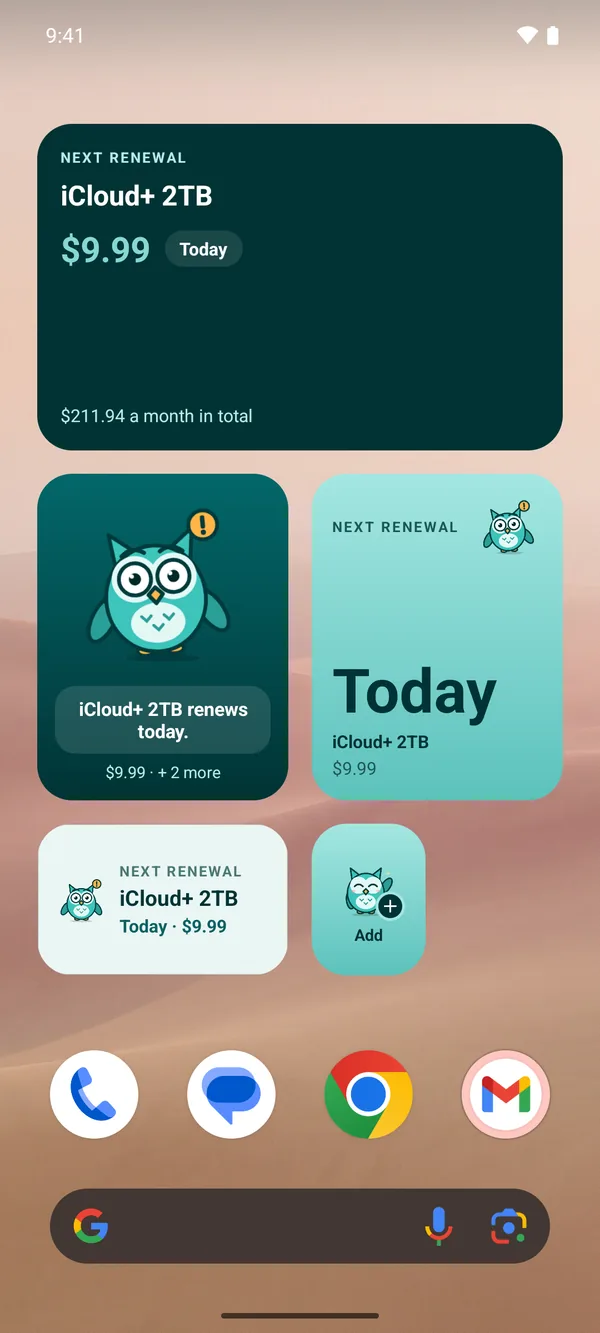
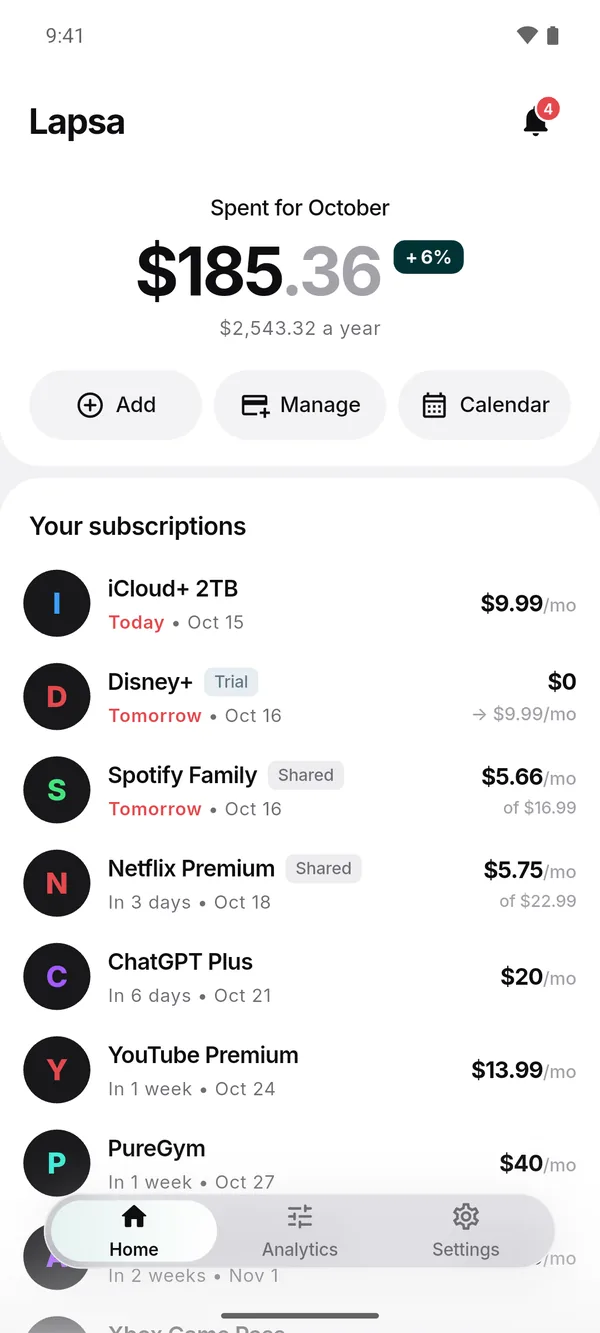
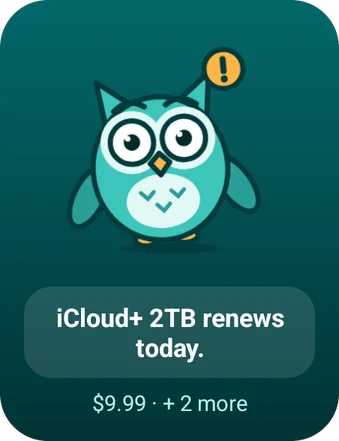
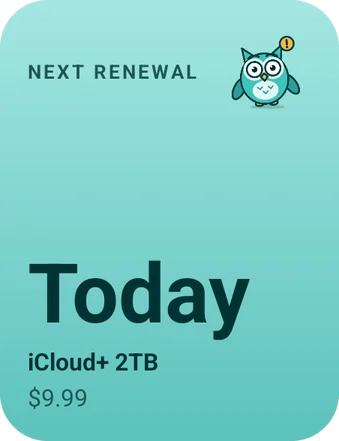
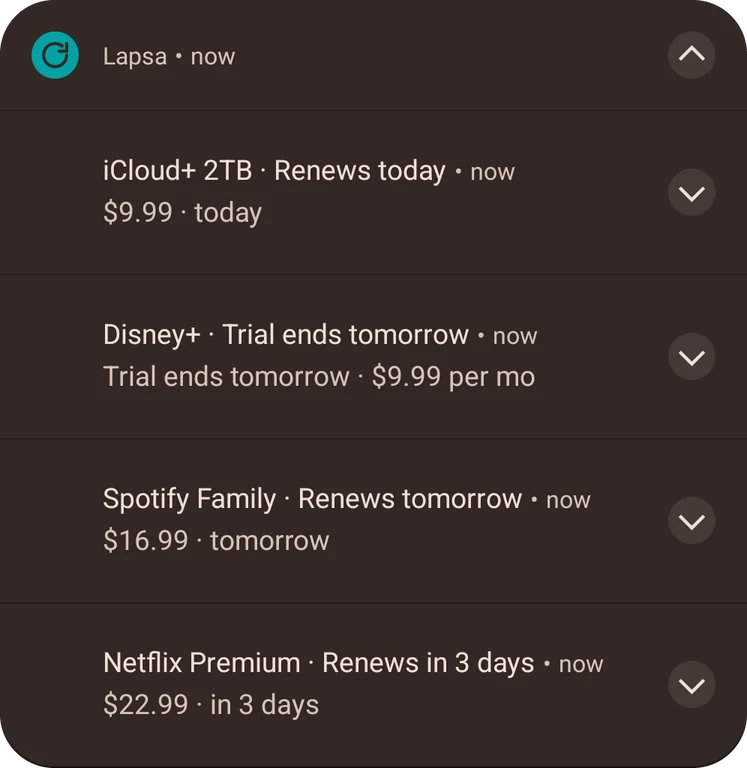
Home-screen widgets
15 widgets. Your renewals, without opening the app.
The next charge, the week ahead, this month’s spend, a trial about to turn paid. They update themselves every day, even with the app closed. On Android.
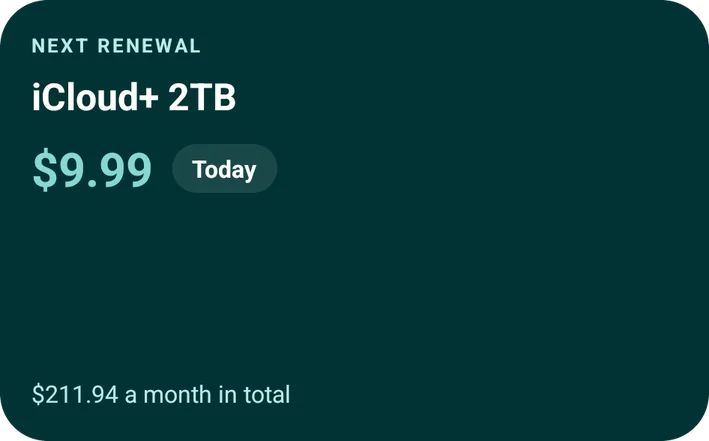
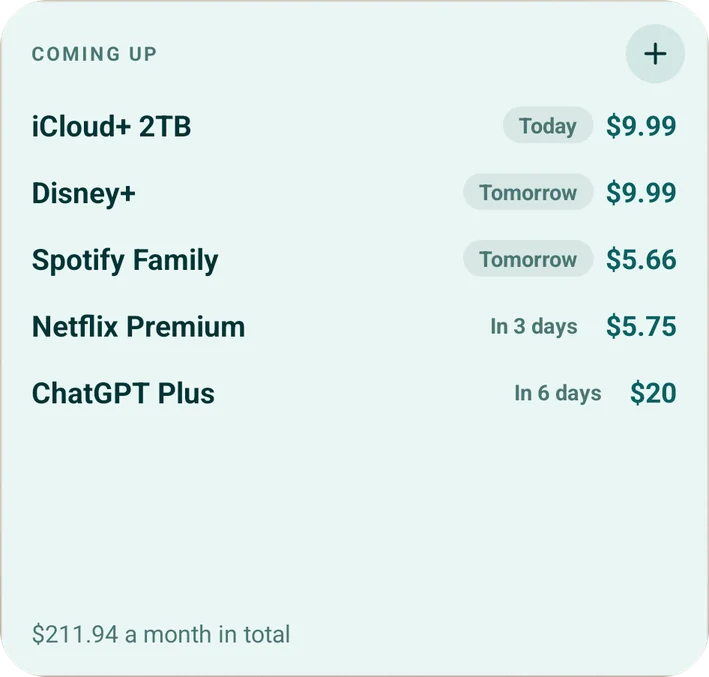
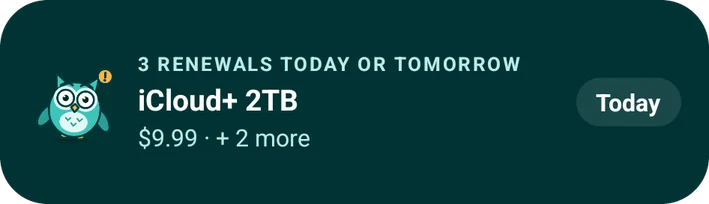
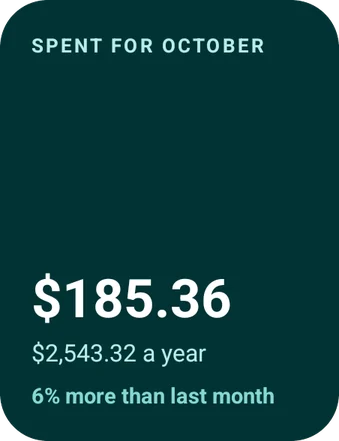
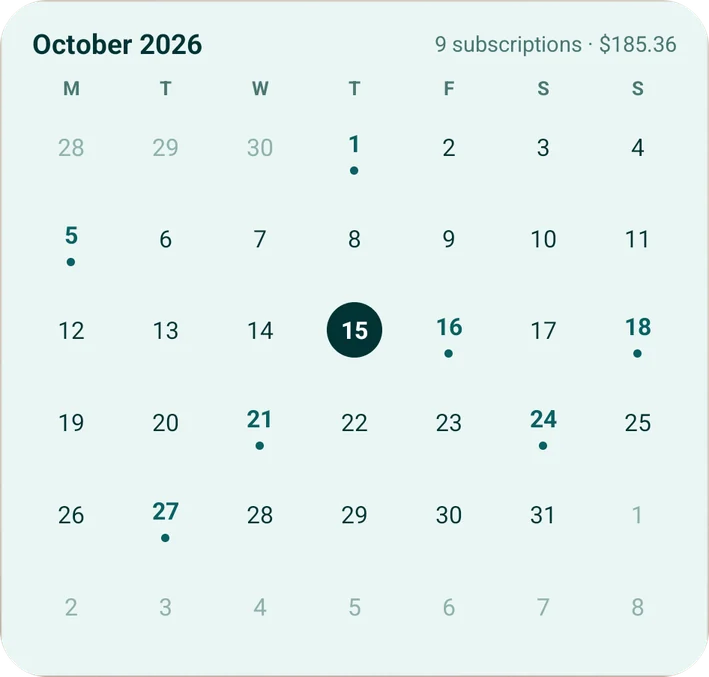
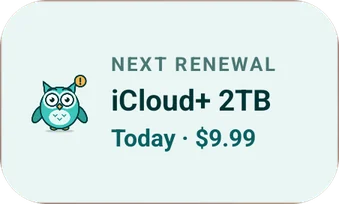
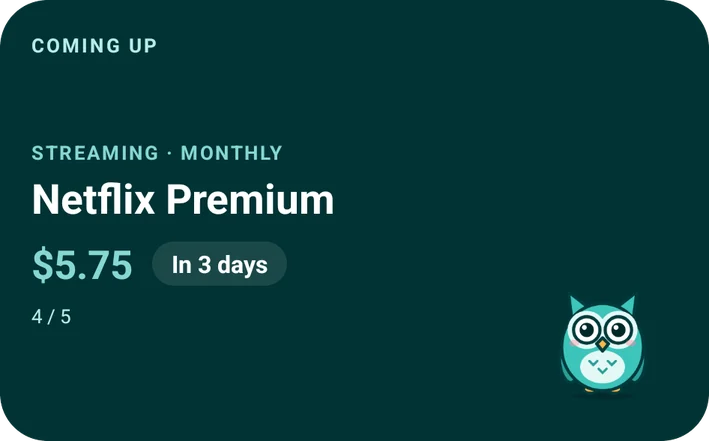
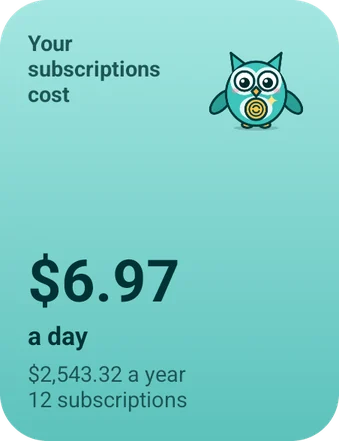
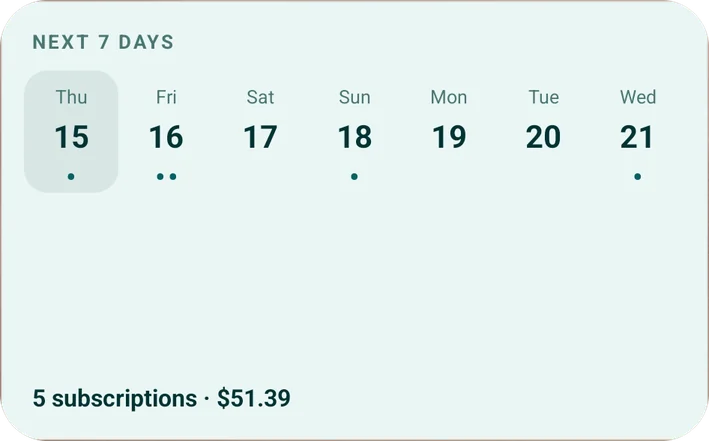
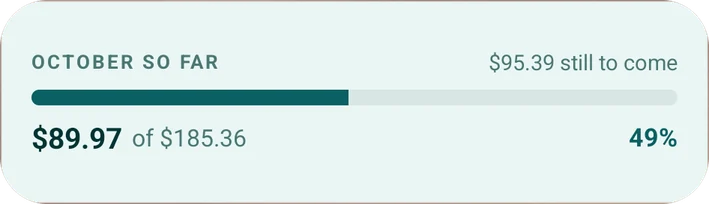
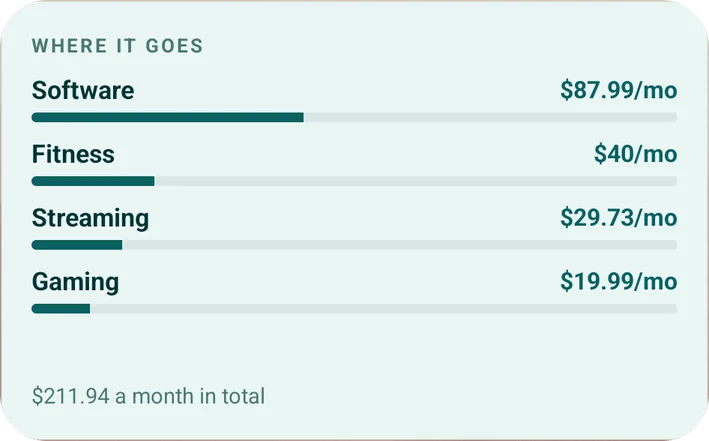
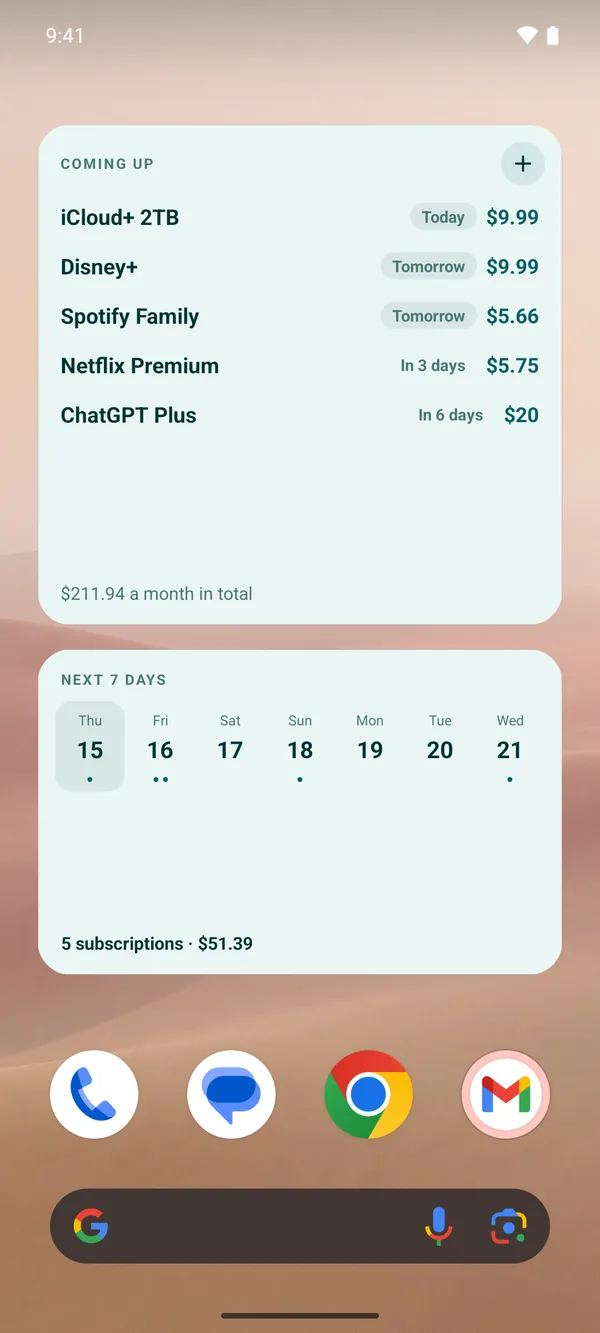
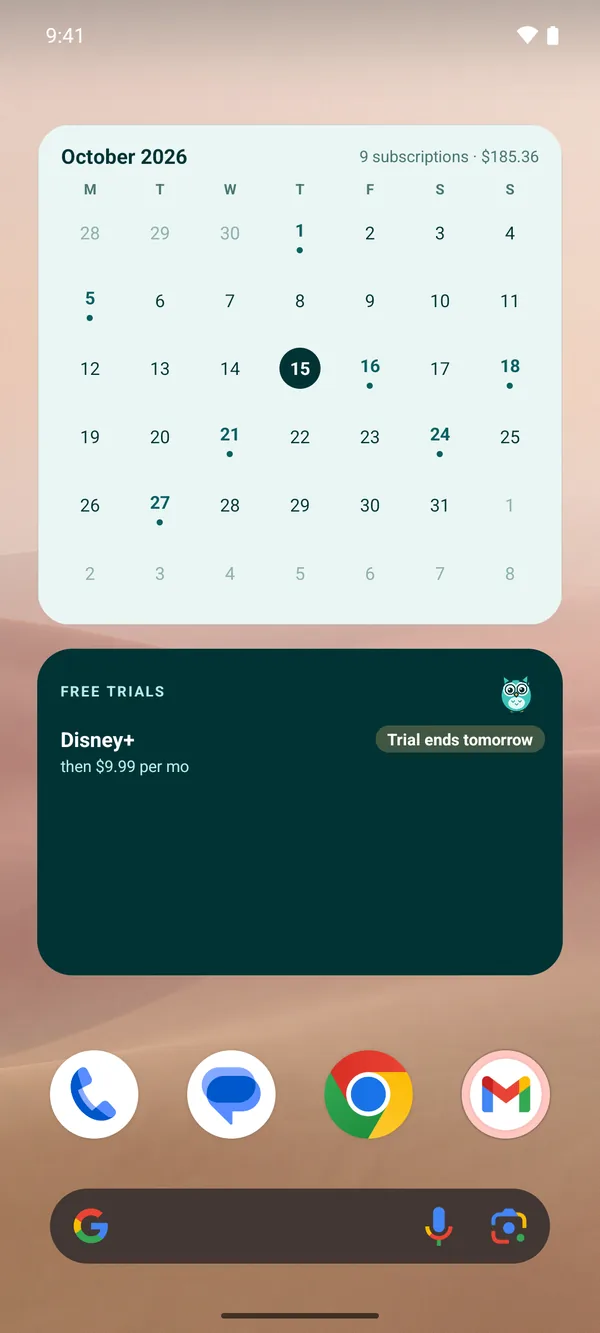
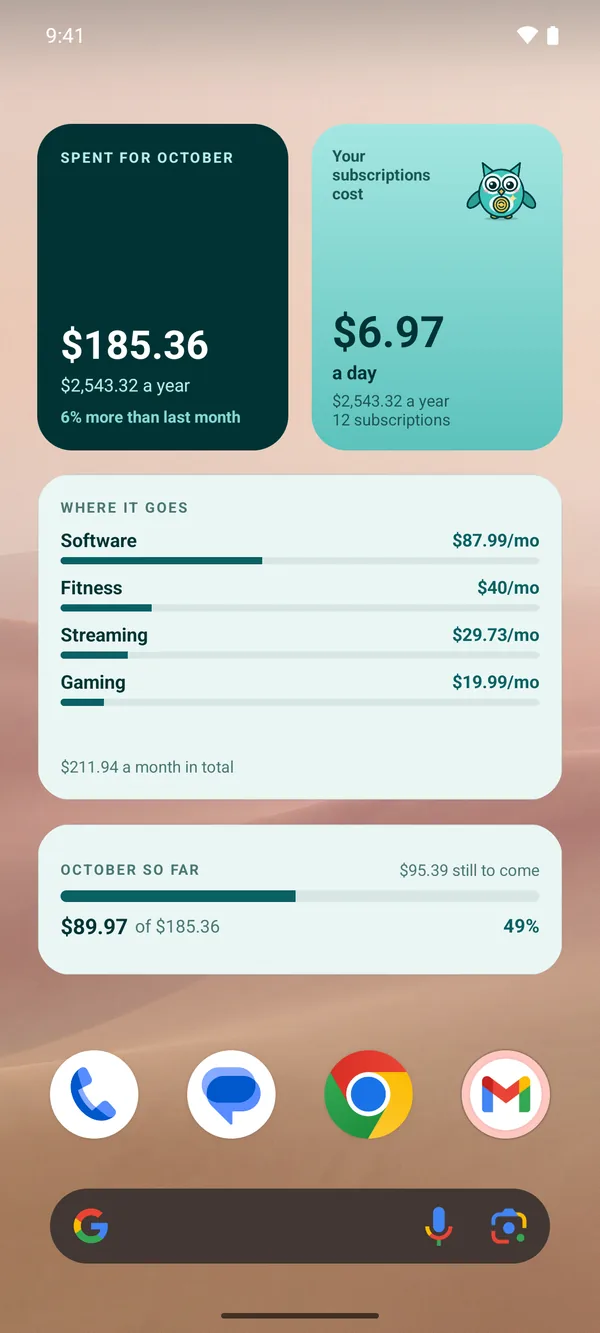
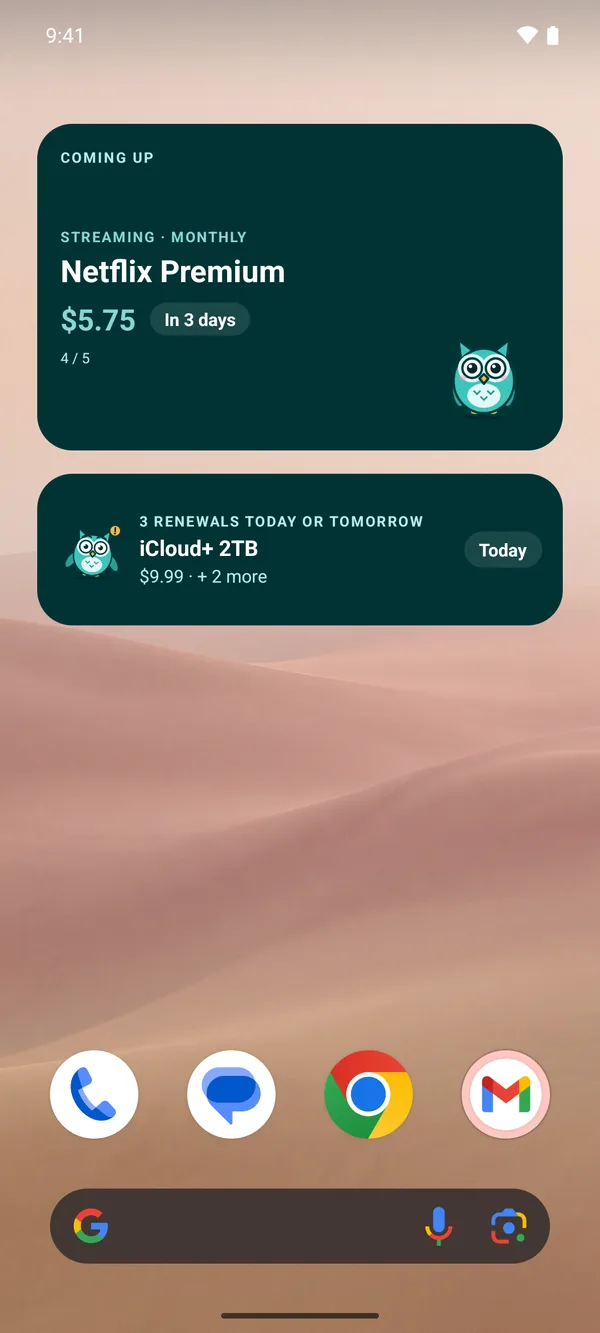
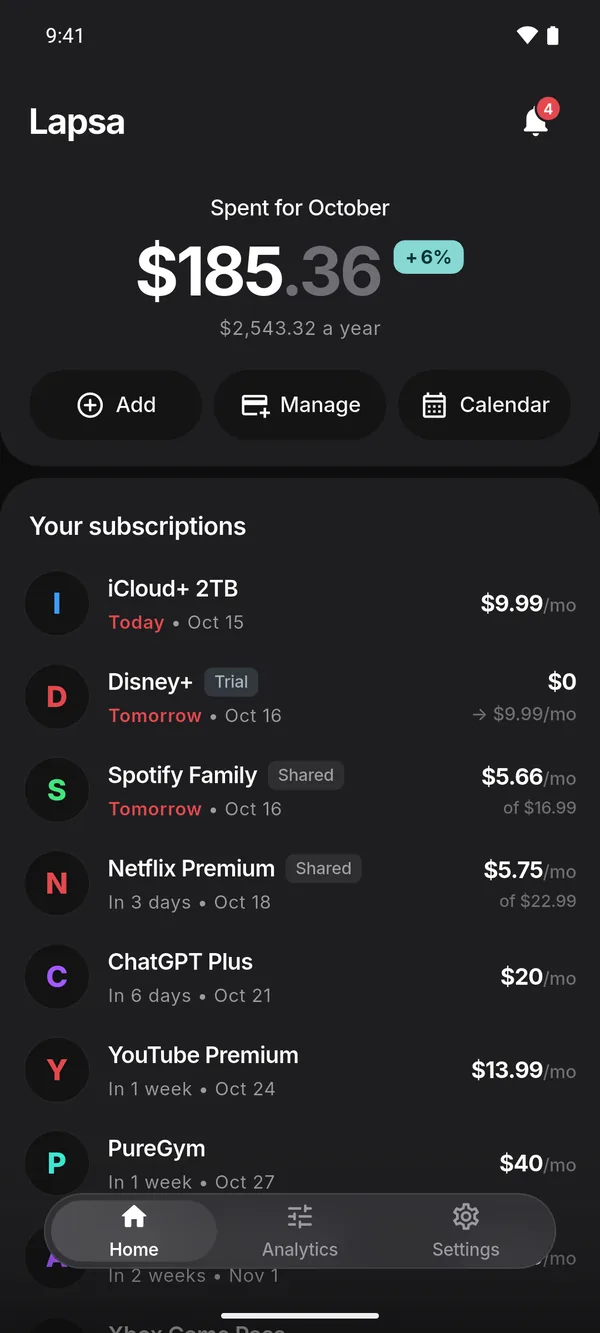
Real captures from a phone running Lapsa, not mock-ups.
At a glance
Plan ahead
Money
What it does
Built around the things people actually ask for.
Every one of these came from a feature request or a one-star review of a tracker that did not have it.
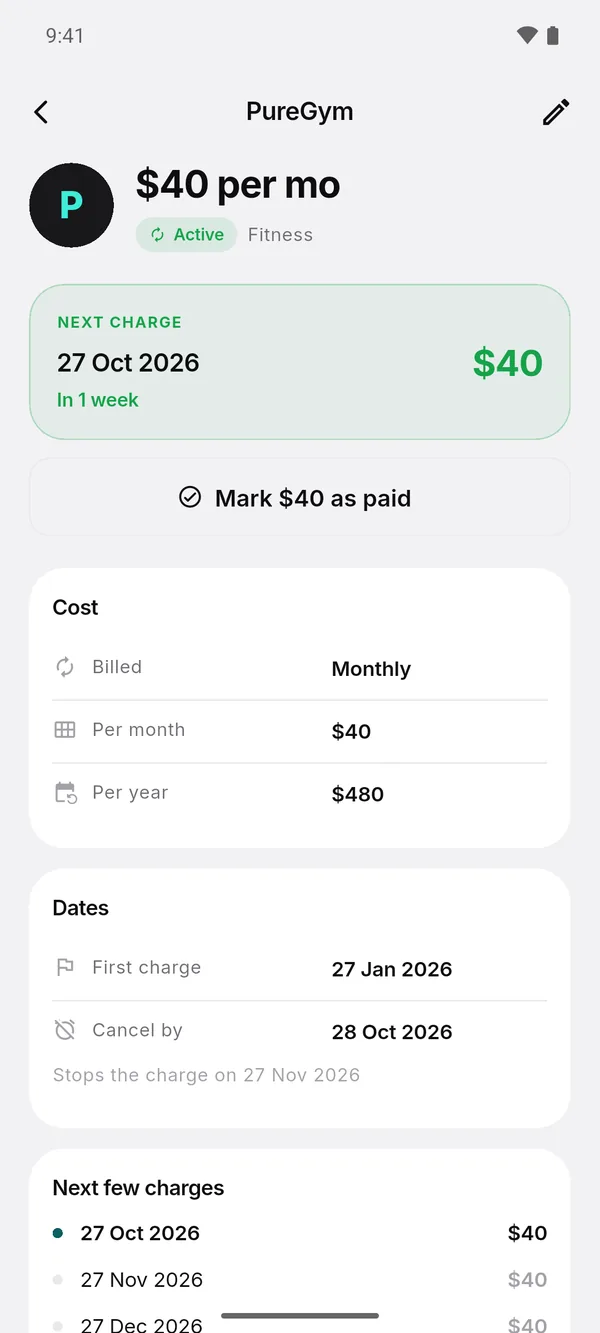
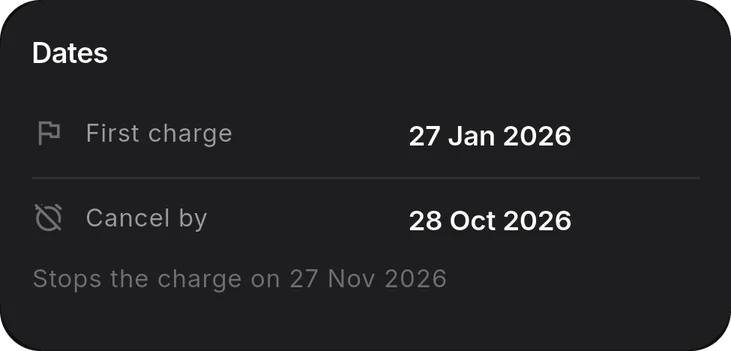
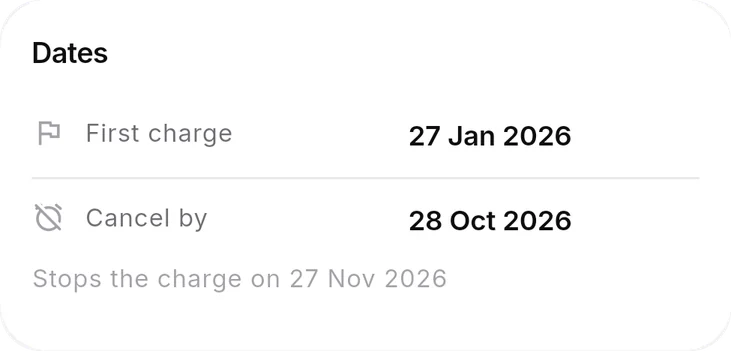
Cancellation deadlines
Record the notice a provider demands and Lapsa tracks the date you must act by, not just the date you get billed.
How it works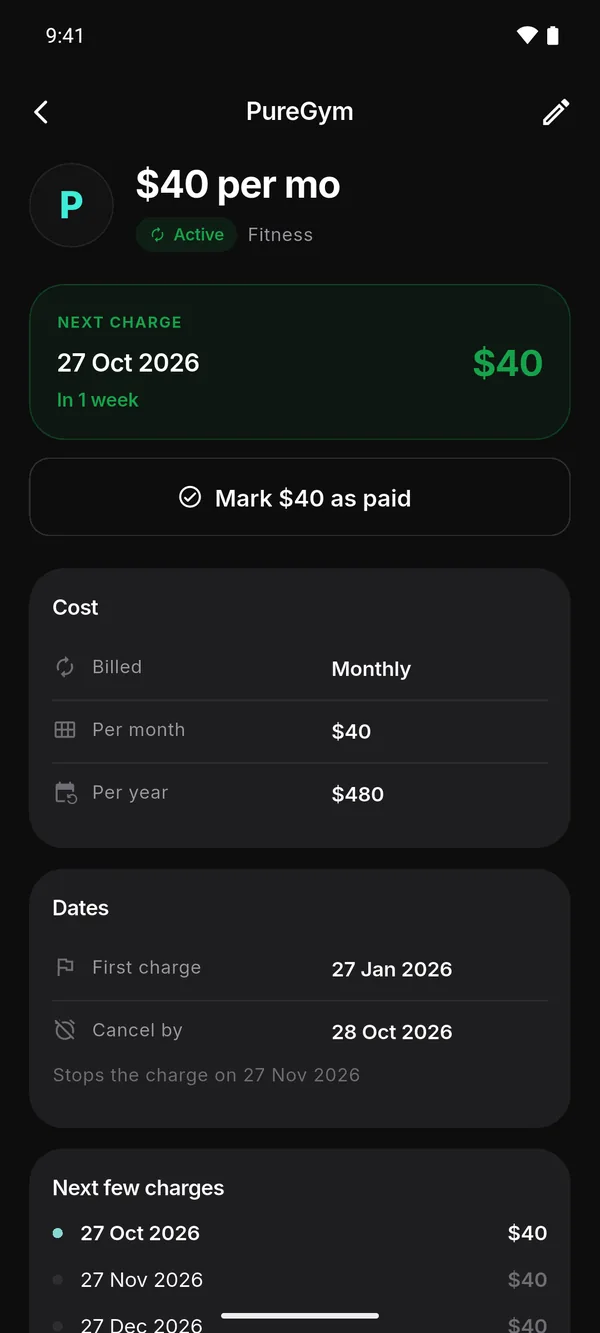
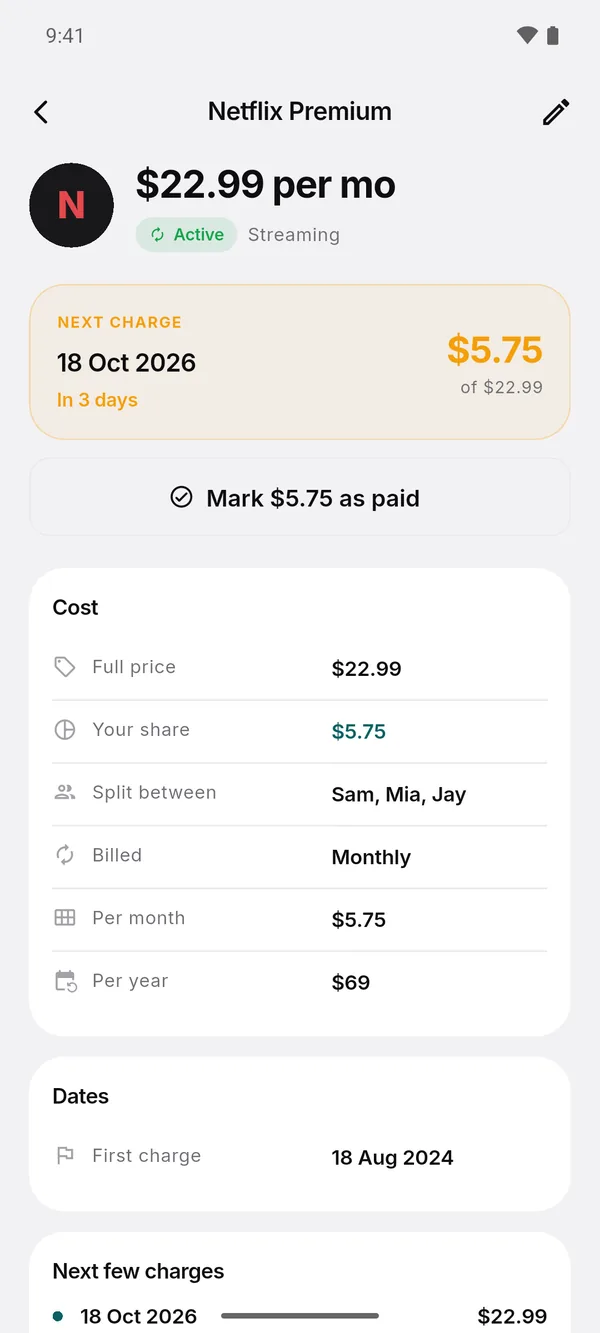
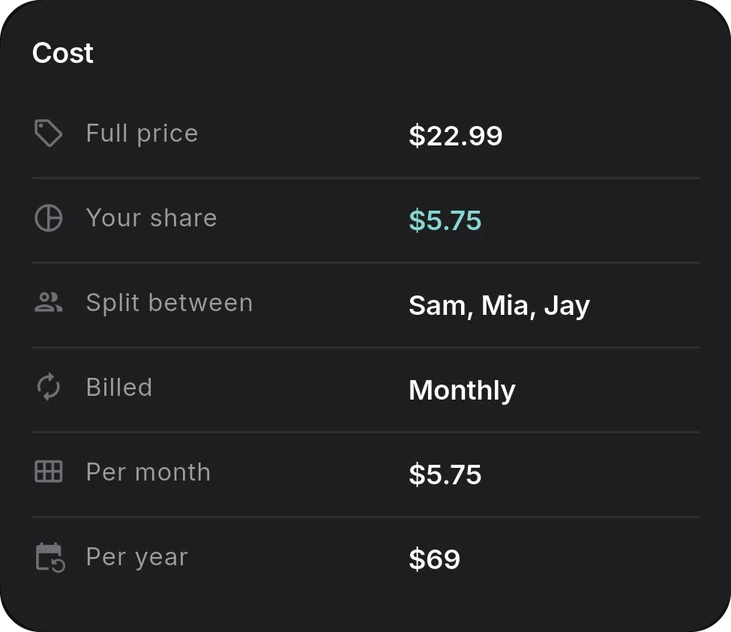
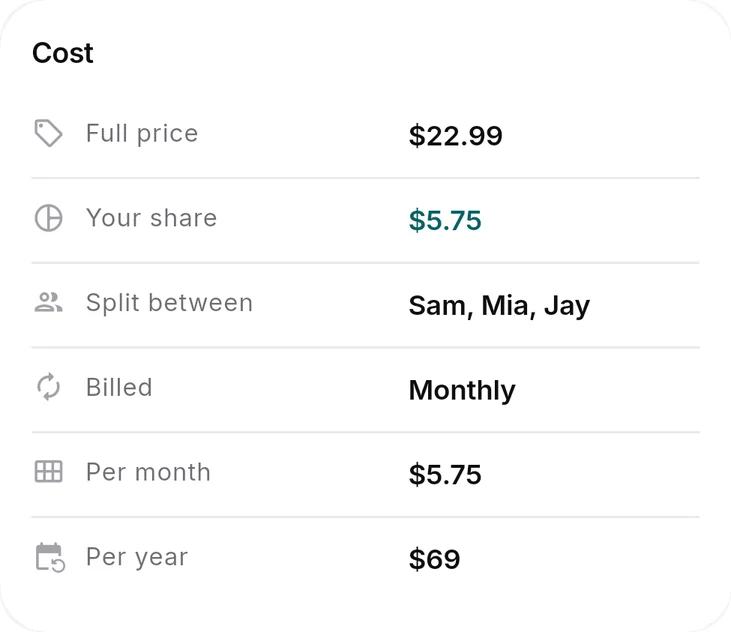
Shared plans count your share
A family plan split four ways costs the household its price and costs you a quarter. Every total in Lapsa is your share, not the sticker price.
How it works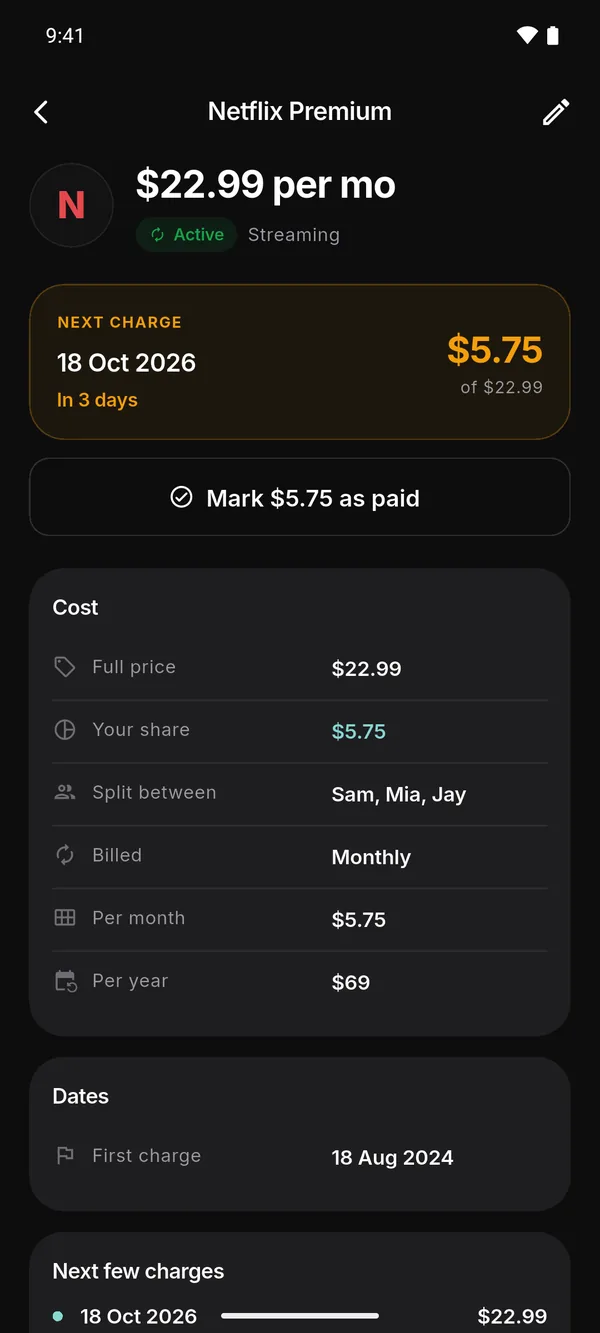
Trials that announce themselves
Set the end date once and Lapsa tells you before it turns into a paying subscription.
How it works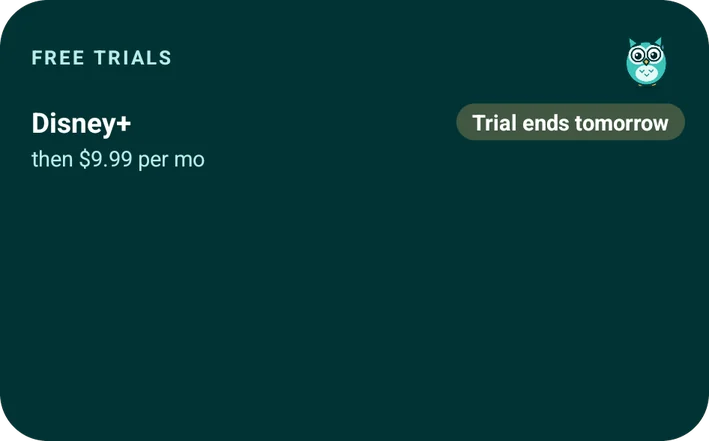
Mark a charge paid
Paid it early? Settle that one charge. The schedule stays put, the reminder stops, and it leaves what is still due.
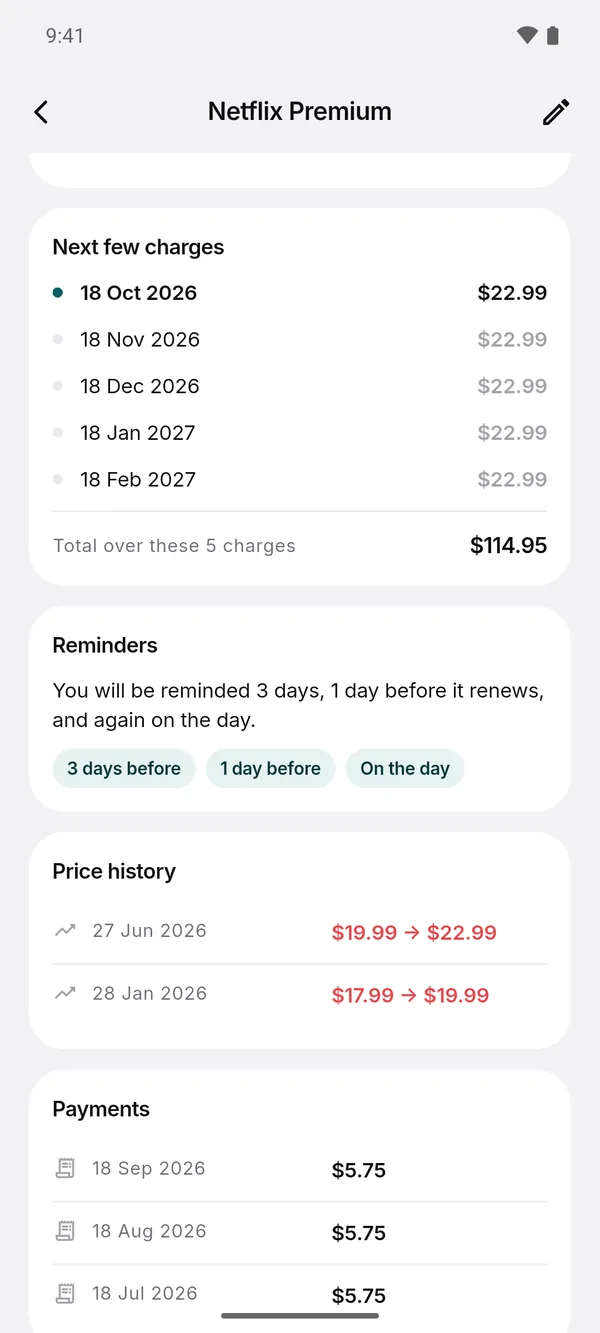
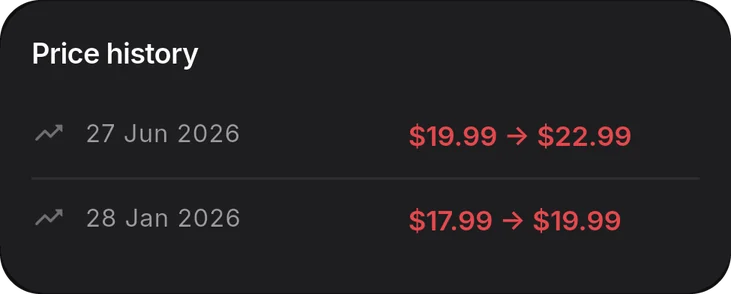
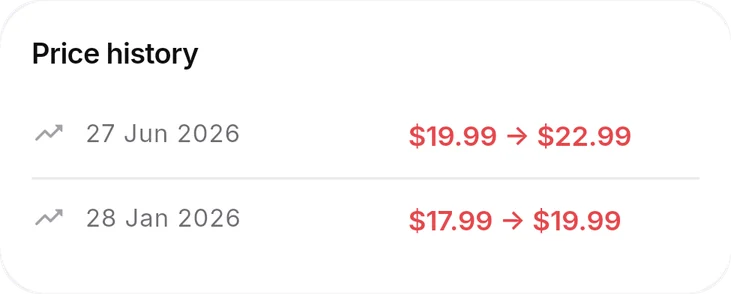
Price history, kept for you
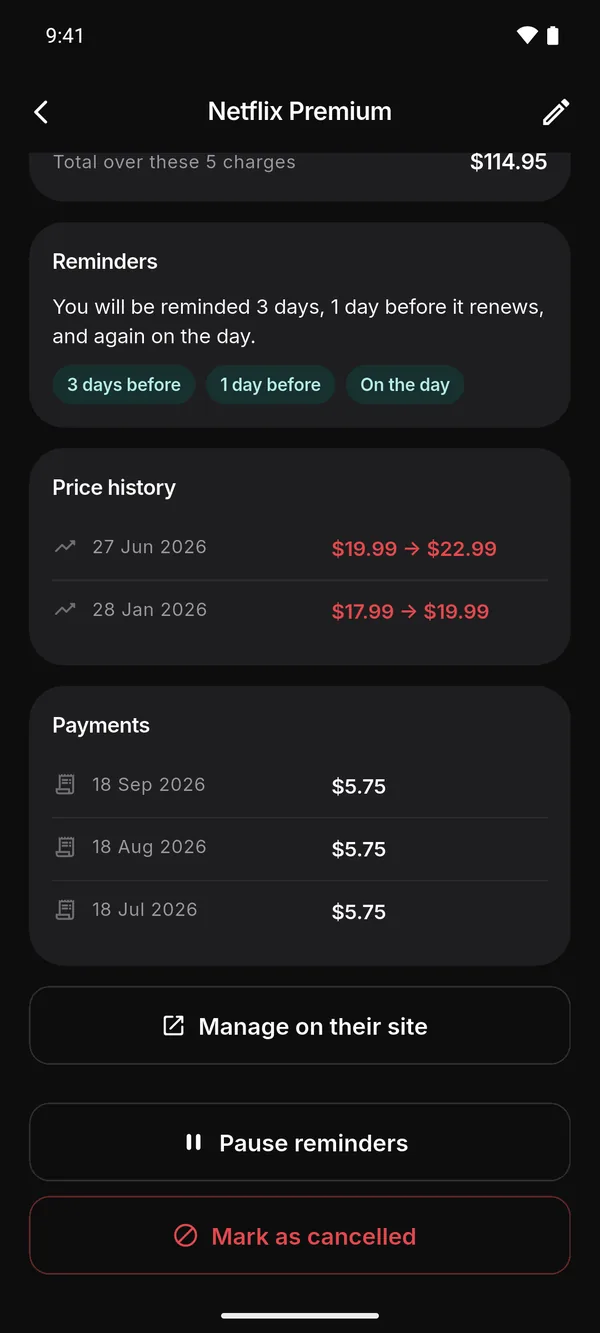
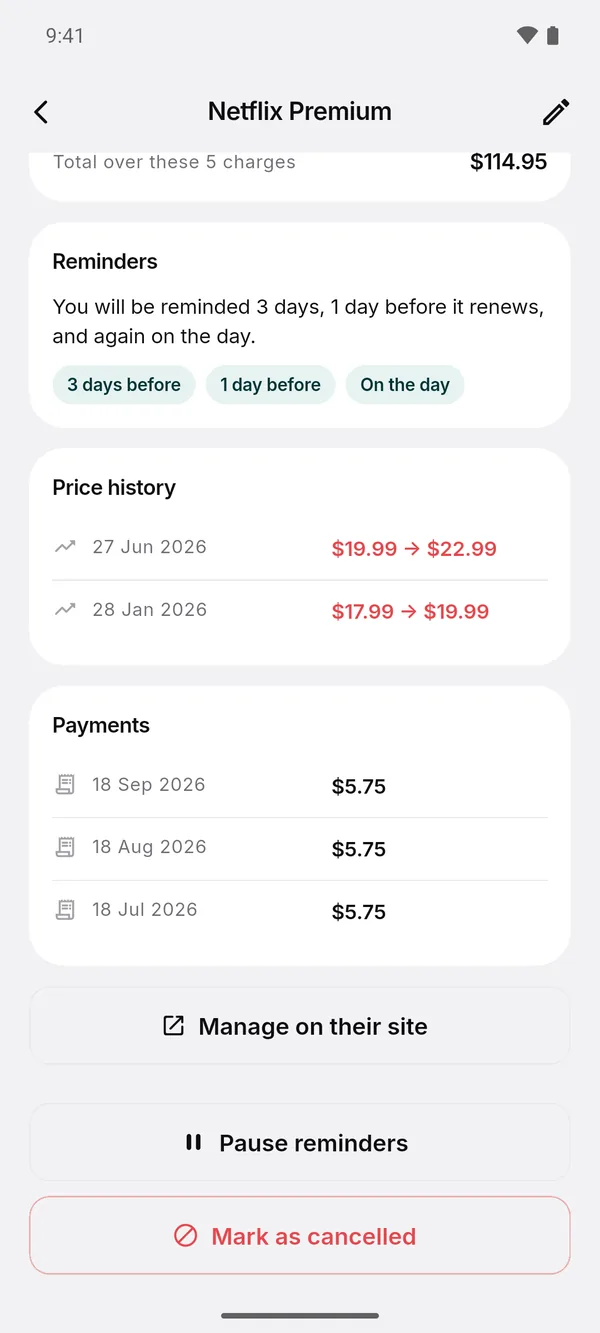
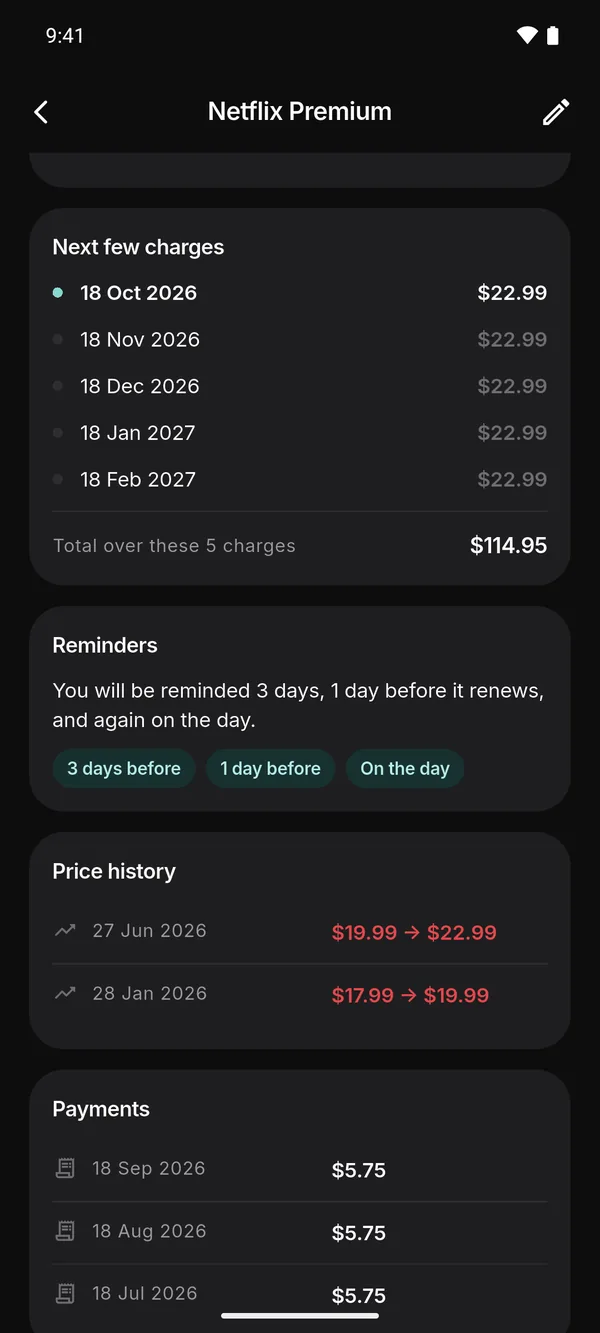
Every price change is logged the moment it happens. Nobody remembers to write one down, which is why nobody notices a rise.
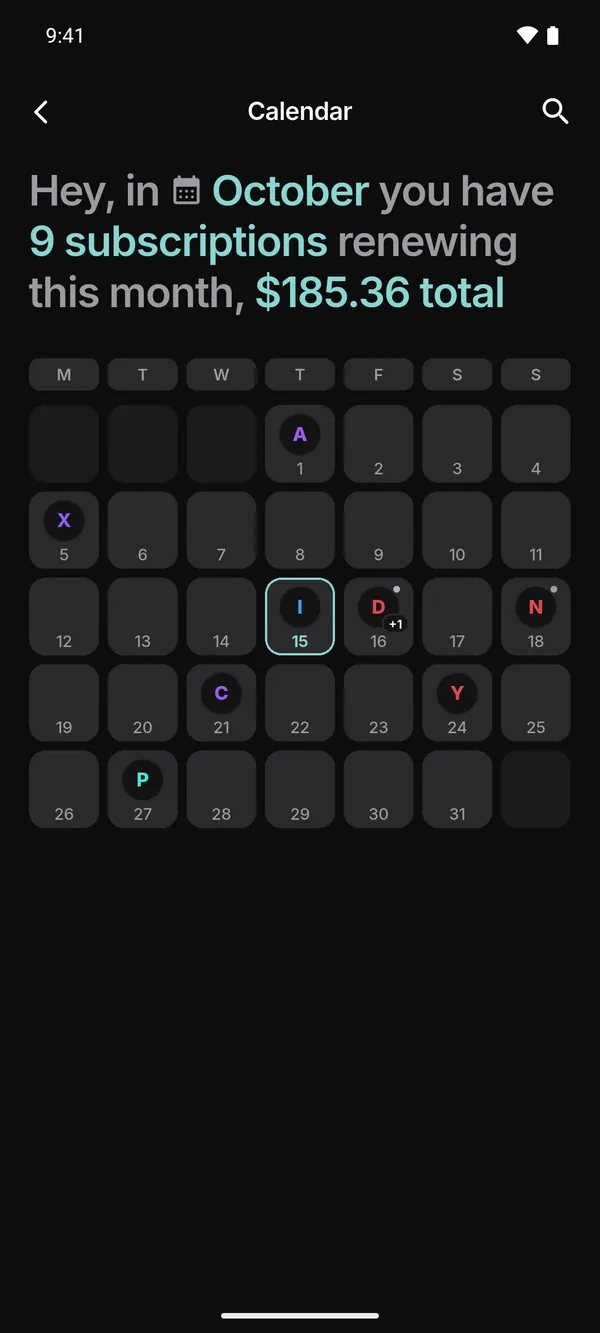
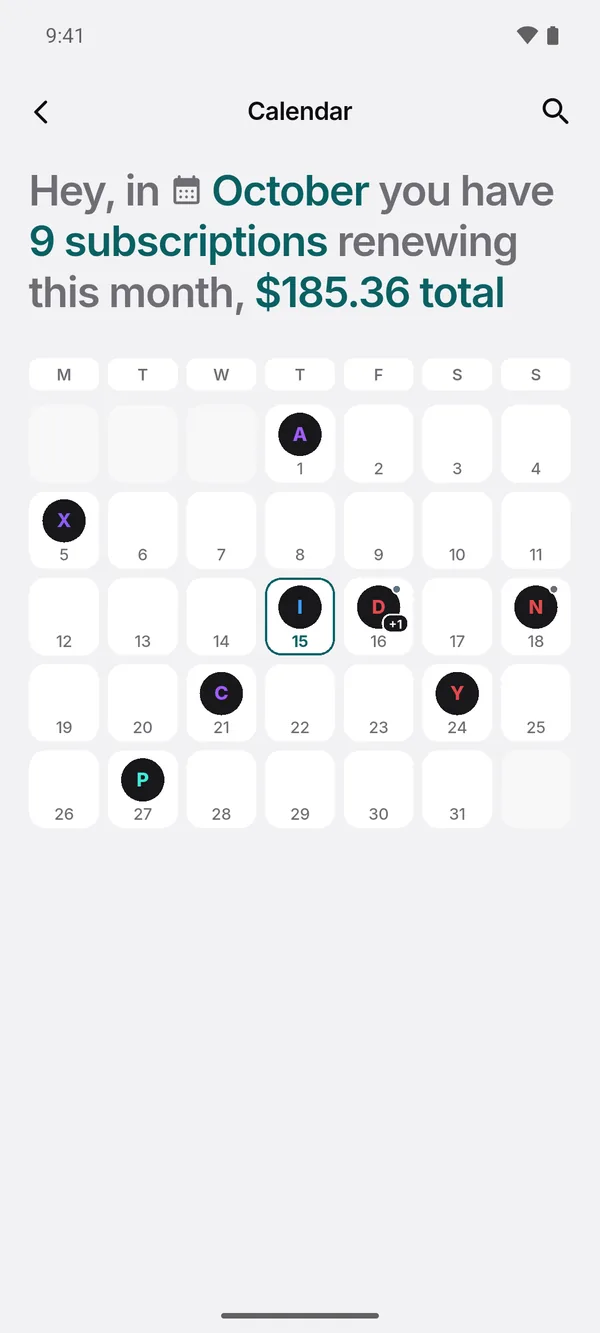
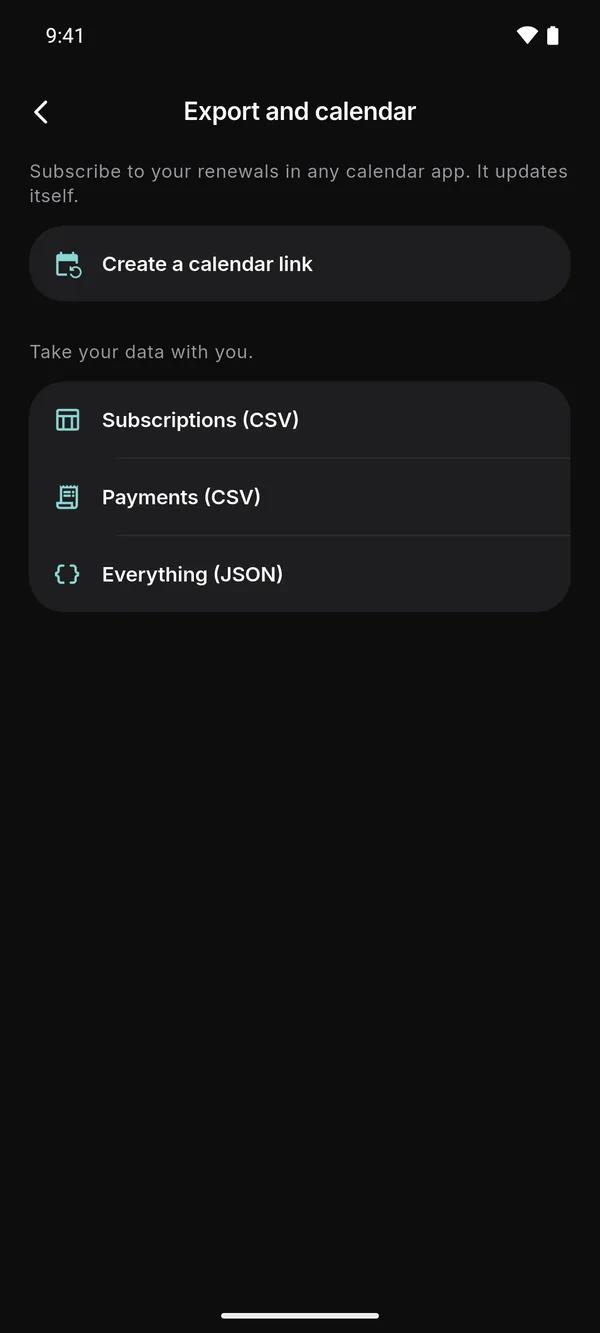
A calendar that updates itself
Subscribe to your renewals from any calendar app. Cancellation deadlines come through as their own entries.
See where the money goes
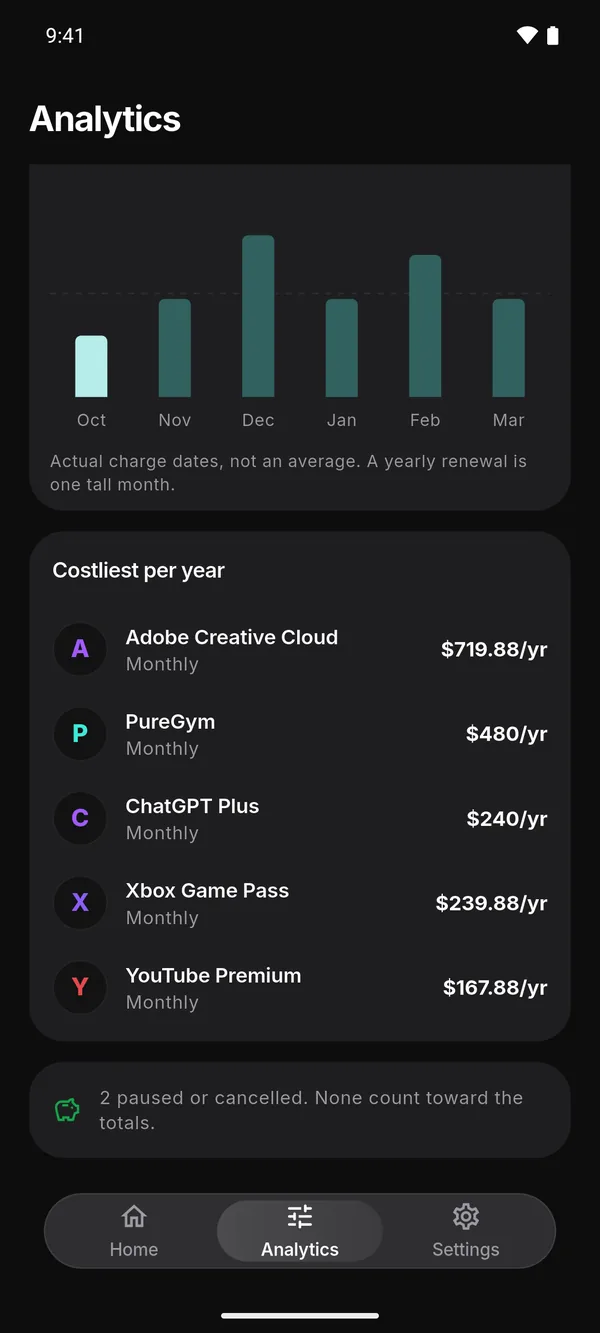
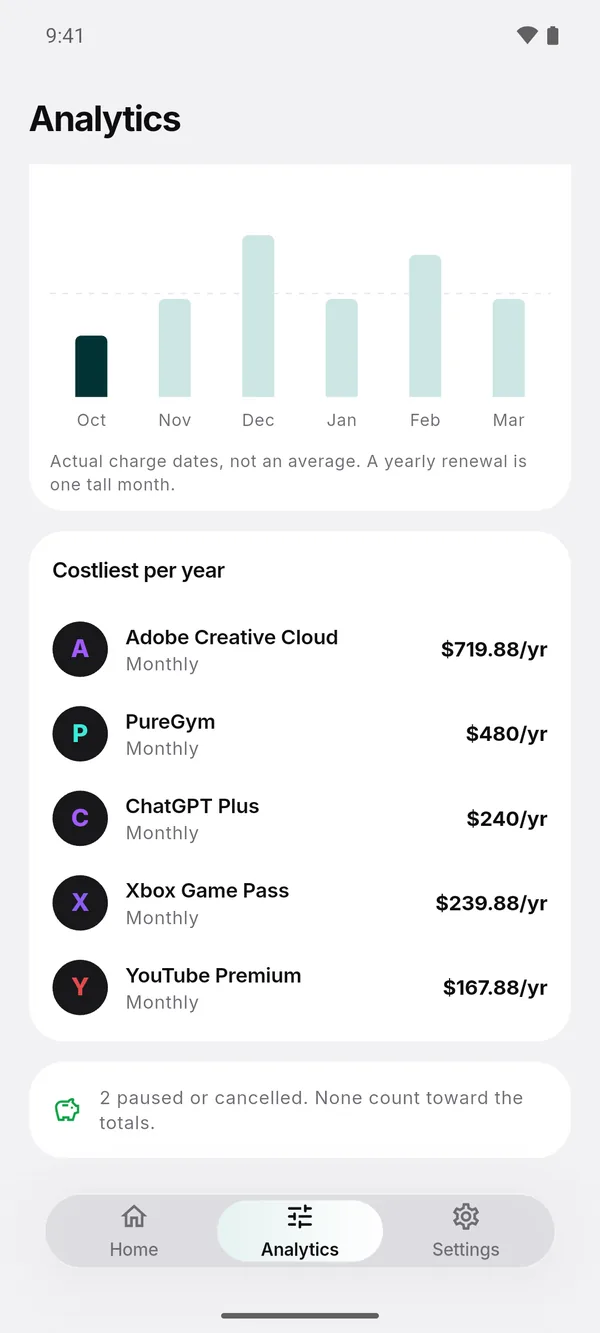
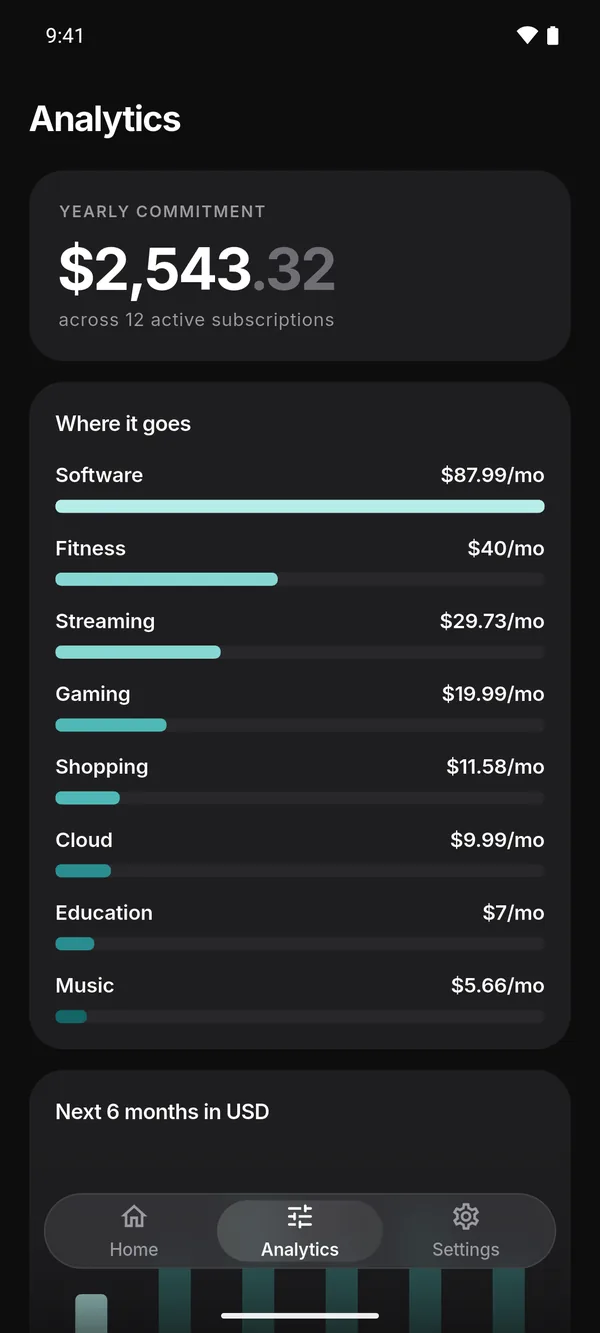
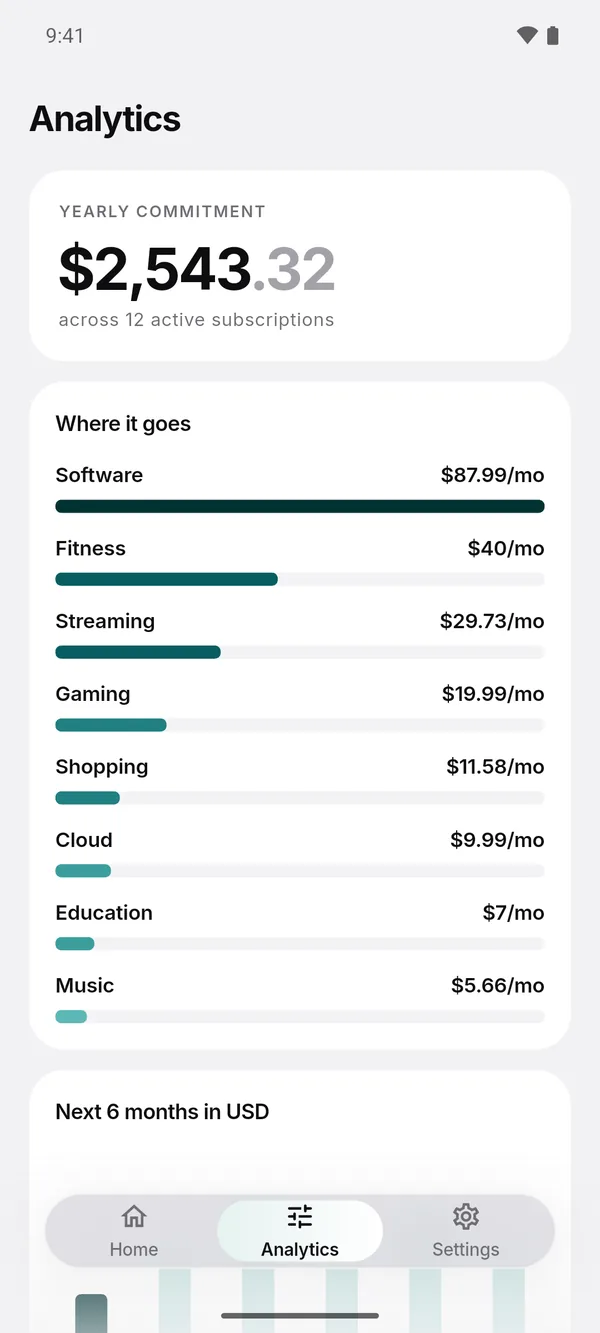
With Pro: spending by category, the next six months charge by charge, and your costliest plans, built from real charge dates rather than an average.
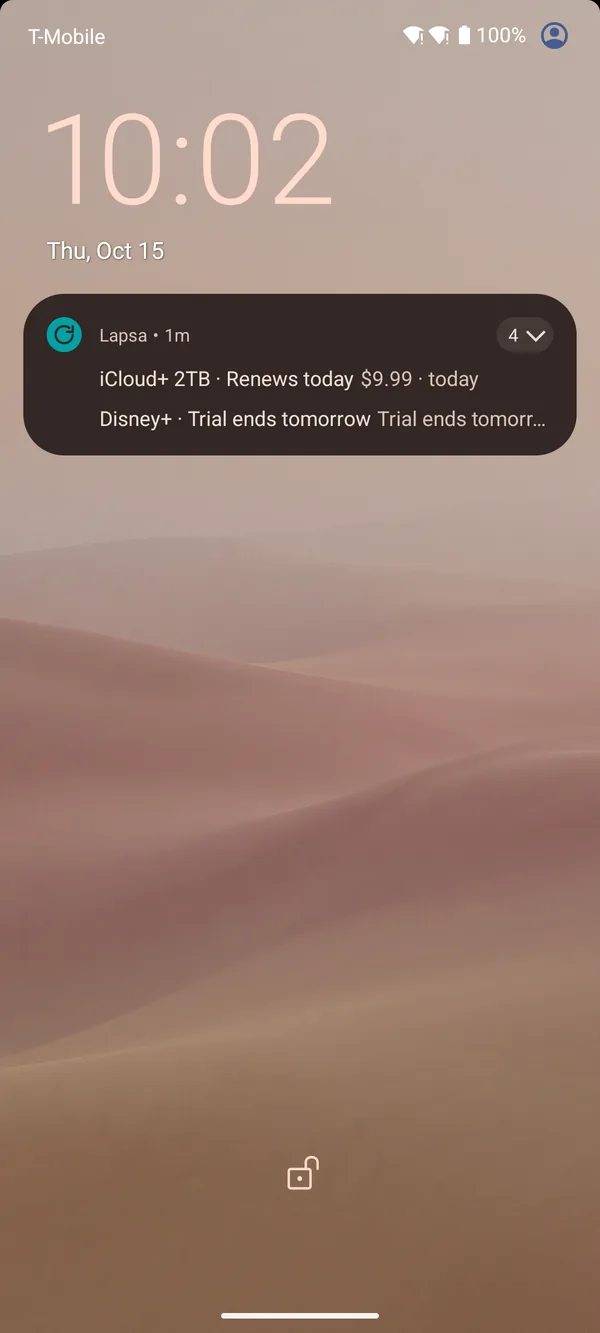
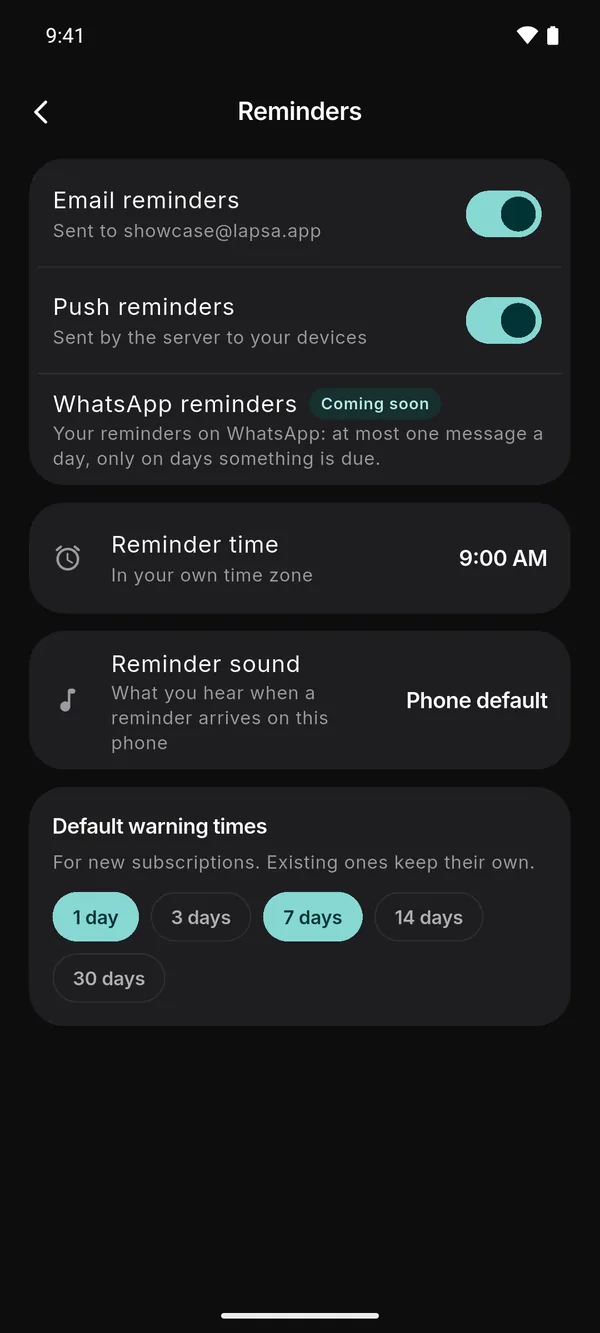
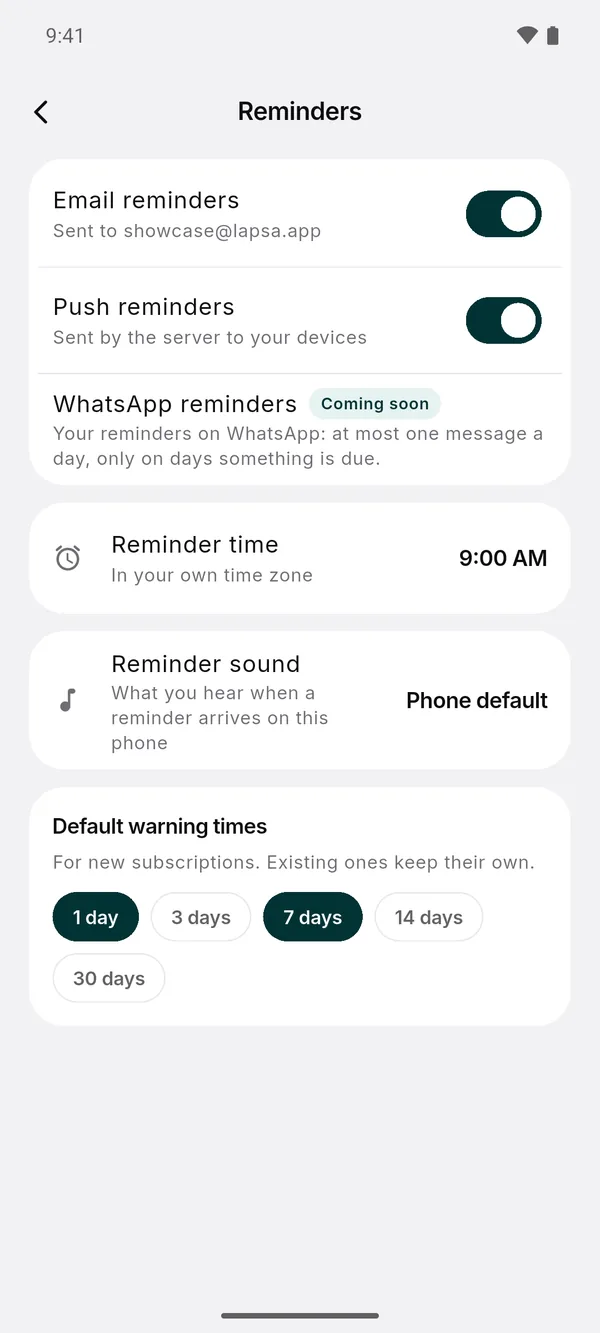
Reminders that arrive
Three independent paths, so one failing is an inconvenience rather than a missed charge.
Your data leaves whenever
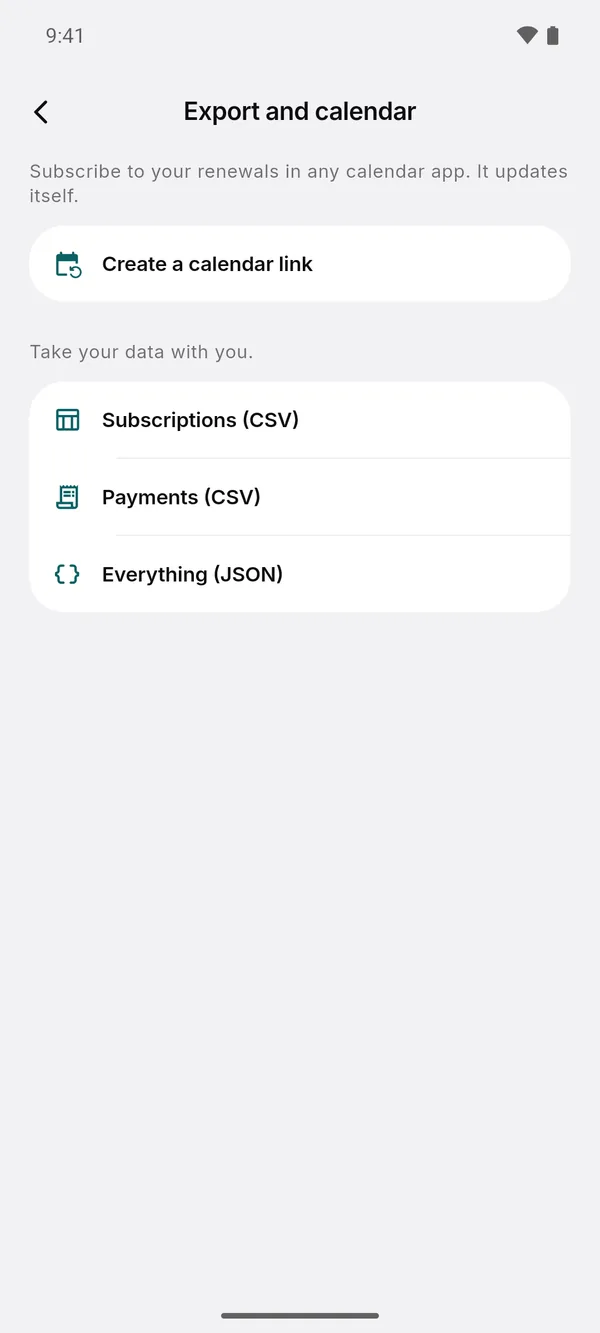
Spreadsheets of subscriptions and payments, or the whole account as JSON, in one tap. No lock-in and nothing held back.
Every currency, one total
Each subscription keeps the currency it is charged in. Your totals add it all up in your own currency at the day’s exchange rate, and show the rate they used.
At a glance
Everything Lapsa does for you.
Add a subscription once, and all of this comes with it.
- ProAdds it to your calendarRenewals and cancel-by dates in Google, Apple or Outlook, kept in sync.
- Coming soonReminders on WhatsAppOne message on the day something is due.
- Cancel-by datesThe last day you can still stop a charge, worked out for you.
- Phone, email and pushThree separate paths, at the hour you choose.
- Free-trial alertsA warning before a trial turns into a charge.
- Shared plansSplit a family plan and every total counts only your share.
- ProPrice historyEvery price change logged the moment it happens.
- Home-screen widgetYour next renewals on Android, without opening the app.
- Export any timeSpreadsheets, or the whole account as JSON.
- Six languagesAndroid and the web, with Arabic and Urdu right to left.
 Lapsa
Why this exists
The money you forget is the money you lose.
Subscriptions are designed to be easy to start and quiet to continue. Nothing arrives to tell you a price went up, a trial ended, or a notice period is closing.
- 70%
- have signed up for a free trial, meant to cancel, and been charged anyway.Self Financial, 2026
- $540
- the average yearly cost of trials that quietly turned into subscriptions.Yahoo Finance survey, 2026
- $273
- spent on subscriptions each month by the average household, who estimate $111.Self Financial, 2026
How it works
Add it once. Lapsa watches the dates.
No bank connection and no inbox scanning. You type a subscription in about a minute, and from then on Lapsa does the date arithmetic and the reminding.
01
Add a subscription
The name, the price, how often it charges and, if the provider wants notice, how much. Shared plans and free trials included.
02
Lapsa finds the deadline
It counts back from the next charge by the notice period. If that day has already gone, it moves on to the next charge you can still stop.
03
You hear about it in time
A reminder on your phone, by email and by push at the hour you choose, and the date in your calendar too: before the window shuts, not after.
Beyond the app
Reminders where you already look.
A notification is easy to swipe away. Lapsa also reaches the two places most people check every day: their chats and their calendar.
A message on WhatsApp
On a day something is due, one message sums it up: what renews, which trial ends, and the last day to cancel.
- One message a day at most, the most urgent first
- Written in your language
- Reply STOP to end it
Every deadline in your calendar
Add one private link to Google Calendar, Apple Calendar or Outlook. Renewals and cancel-by dates sit beside your meetings and follow your changes.
- Cancel-by dates as their own events, linked to where you cancel
- Trials named, charges you have paid ticked off
- In your language, in any calendar app
The calendar feed comes with Lapsa Pro, and WhatsApp will too once it launches. Every other reminder, on your phone, by email and by push, stays free.
The thing nobody else does
A renewal reminder arrives too late.
Gyms, insurers and hosting companies want notice before you can leave. If the notice period is thirty days, the window to cancel February’s charge shuts in January. Lapsa knows the difference, and warns you on the date that can still change the outcome.
3 Jan · Cancel by
Lapsa warns you here, and again a week out when the notice is long.
2 Feb · Renews
Where every other tracker starts talking. The money has already gone.
2 Mar · The next one
Miss the window and Lapsa rolls forward to the deadline you can still meet.
Reminders
The commonest complaint about trackers: reminders that stop working.
So Lapsa sends every reminder three ways. One path failing is an inconvenience rather than a missed charge.
01
On your phone
Scheduled by the operating system itself. Arrives with the app closed, the phone offline, and the server down.
02
By email
Sent from the server on its own schedule. Survives a lost or replaced phone.
03
Push
Optional, and off by default if you would rather it were.
04
On WhatsApp Coming soon
One message on the days something is due, in the chat app you already have open. Connect it by sending a single message; reply STOP to end it.
At the hour you choose, in your own time zone.
A reminder at 9am means 9am where you are. Pick the hour once and all three paths follow it.
Side by side
What a renewal reminder misses.
How Lapsa compares with the typical subscription tracker, which reminds you on renewal day.
A typical tracker
It reminds you on renewal day, when the charge can no longer be stopped.
- The day before renewalWhen you are warned
- Counts the full priceShared plans
- Often requiredBank login
- One push notificationIf notifications fail
- Often not possibleGetting your data out
- Common on free plansAds
- Only inside the app, if at allIn your own calendar
- Rarely offeredReminders on WhatsApp
You hear about itAfter the window shuts
Lapsa
It works back from the charge to the last day you can still stop it.
- When you are warnedBefore the cancellation deadline
- Shared plansCounts only your share
- Bank loginNever asked for
- If notifications failThree independent paths
- Getting your data outCSV and JSON, on every plan
- AdsNone
- In your own calendarA live feed, cancel-by dates included
- Reminders on WhatsAppComing soon
You hear about itWhile you can still cancel
Plans
Free to use. Pro if you want more.
Lapsa is free, with no card and no time limit: every reminder, cancel-by dates, shared plans and your data are all in the free plan. Pro adds the extras that cost something to run.
Free
$0no time limit
Up to 10 subscriptions
- Reminders on your phone, by email and by push
- Cancel-by dates and free-trial alerts
- Shared plans that count your share
- Home-screen widget and the web app
- CSV and JSON export
- No ads, ever
Pro
$2.99a month
Or $19.99 a year with a 14-day free trial, or $39.99 once
- Unlimited subscriptions
- Every deadline in your calendar
- Spending insights
- Price history
- Reminders on WhatsApp Coming soon
US prices. Google Play shows the price in your own currency before you pay, and Pro applies on the web too.
Languages
Six, properly.
Not machine output with English left in the corners. Arabic and Urdu lay out right to left, plurals read the way each language forms them, and the type changes with the script. Reminder emails and the calendar feed are written in your language too.
Is Lapsa free?
Yes. Lapsa is free to use, with no card and no time limit: up to 10 subscriptions with every reminder (on your phone, by push and by email), cancel-by dates, shared plans and both exports, and never any ads. Lapsa Pro is optional. It adds unlimited subscriptions, spending insights, price history and a calendar feed, and WhatsApp reminders once they launch. In the US it is $2.99 a month, $19.99 a year with a 14-day free trial, or $39.99 once; Google Play shows the price in your own currency. You buy it in the Android app, and it applies on the web too.
Does Lapsa connect to my bank?
No, and that is deliberate. Bank linking is the single biggest trust complaint about the apps in this category, and it is where their surprise charges come from. You enter subscriptions yourself, which takes a few minutes once and means Lapsa never touches your accounts. More on this
Can it cancel subscriptions for me?
No. Apps that promise this frequently fail at it and bill you anyway. Lapsa tells you what to cancel and exactly when, with a link to the provider’s own page. You stay in control of the cancelling.
Can Lapsa remind me on WhatsApp?
Soon. WhatsApp reminders are on the way. Once they are live, you connect WhatsApp from the app by sending a single message, and Lapsa writes at most once a day, only on days a renewal, trial end or cancellation deadline is due. Reply STOP whenever you want them to end. They are part of Lapsa Pro, because every message costs money to send. Pro includes up to 10 a month; past that, the same reminders still reach you on your phone and by email.
Can I see my renewals in Google Calendar?
Yes, with Lapsa Pro. Create a calendar link under Export, in the app or on the web, and add it once: in Google Calendar under Other calendars → From URL, or as a subscribed calendar in Apple Calendar or Outlook. Every renewal and cancel-by date appears as an event and follows your changes. Calendar apps refresh subscribed calendars on their own schedule, which for Google can take up to a day. Revoke the link and it stops working.
What happens if I lose my phone?
Nothing is lost. Your subscriptions live on the server, so a new device signs in and everything is there, and the email reminders keep arriving in the meantime.
Can I get my data out?
Any time, in one tap: subscriptions and payments as spreadsheets, or the whole account as JSON, on every plan. Lapsa Pro adds a calendar feed you can subscribe to from any calendar app, and revoke whenever you like.
Does it handle a subscription I split with other people?
Yes. Say how many people are on it, or enter exactly what you pay when the split is uneven, and every figure in the app becomes your share. The full price is still there on the subscription itself.
What about subscriptions that bill every six months, or yearly?
Weekly, fortnightly, monthly, quarterly, half-yearly, yearly, or any number of days you like. Month-end dates behave: a plan that charges on the 31st charges on the 28th in February and goes back to the 31st in March.
Find out what you are actually paying.
Add your subscriptions once. Lapsa does the counting, the warning, and the cancelling reminders from there. Free, with no card needed.